
Business Card Scanner
Scan business cards & screenshots into contacts
instantly
Snap a business card — or screenshot any web page — and AI reads it for you. A LinkedIn profile, a company team page, an online directory, an email signature, a conference attendee list: if it shows contact details, capture the image and ContactsPlus turns it into a complete, saved contact. That’s real power to pull data from anywhere online — no typing, no lost cards, no copy-and-paste, no shoebox full of paper. Every detail captured, enriched, and synced everywhere.
At a glance
The ContactsPlus business card scanner uses AI to turn any business card, badge or photo into a structured, saved contact in seconds — with no manual typing.
- Snap, upload or drag-and-drop any card or image
- AI extracts name, company, title, phone, email and more
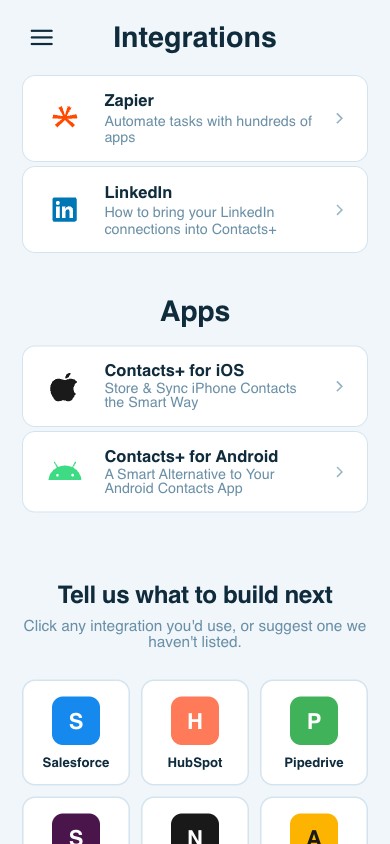
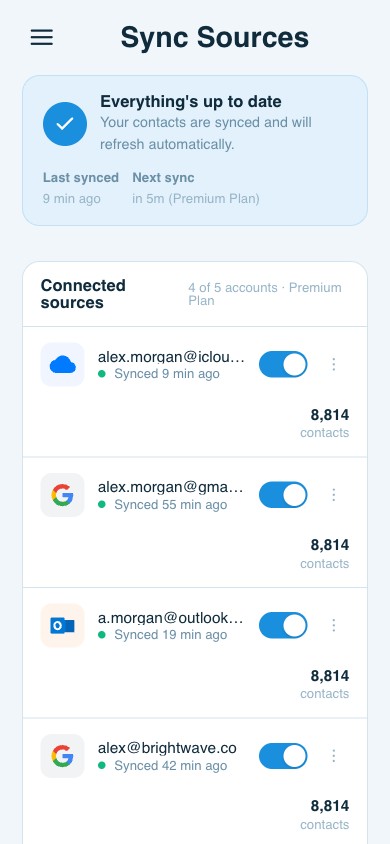
- Saved contacts sync to Google, iCloud and Outlook
- Available in the iOS, Android and web apps
Scan & save new contacts
From card to contact in three taps
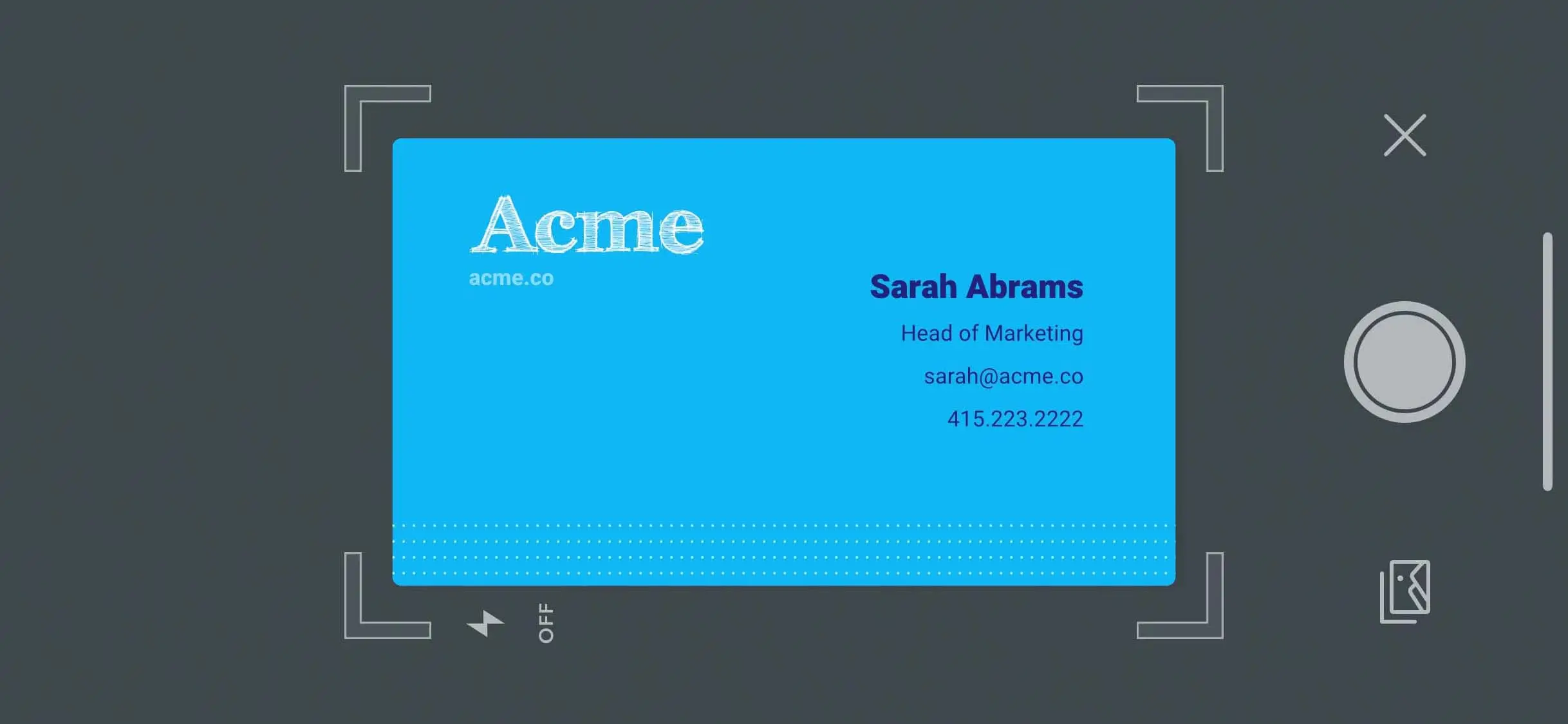
1 · Capture the details
Take a photo on your phone, upload a screenshot from your computer, or pick any image with the contact details on it.
2 · AI reads every field
Name, company, title, phone, email, address — detected and mapped to the right field automatically.
3 · Save & enrich
Review, save, and ContactsPlus enriches the contact and syncs it to every connected account.
What makes our scanner different
Not just a photo — a finished contact
Most scanners stop at a picture. ContactsPlus turns the scan into a complete, enriched, synced record.
Instant
Transcription happens in seconds — capture a stack of cards at an event without slowing down.
Works on any image
A business card, a conference badge, an email signature — or a screenshot of a LinkedIn profile, a team page or an online directory. If it shows contact details, the scanner can read it.
Enriched
The new contact is filled out with social profiles and a photo, then synced to every account you use.
Scan thousands of cards
Clear the shoebox for good
Whether it’s one card after a coffee or a stack from a conference, every scan lands in the same clean, searchable, always-synced address book.
Included in your plan
Start scanning free
Free includes a few scans to try it out. Premium includes 100 cards/month and Teams includes 100 cards/user/month — see the full pricing.
Questions
Frequently asked questions
Does it only work on business cards?
No. The scanner reads any image that has contact details — a business card, a conference badge, an email signature, or a screenshot of a web page like a LinkedIn profile, a company team page, or an online directory. If the information is legible, AI can transcribe it into a contact, so you can capture data from almost anywhere online.
How accurate is the transcription?
AI maps each detail to the right field — name, company, title, phone, email, and address — and shows you the result before you save, so you can confirm or tweak anything in a tap.
Where can I scan from?
Wherever you are. On your phone, take a photo with your camera; on your computer, upload a screenshot or any saved image. Either way, the contact lands in the same synced address book.
How many cards can I scan?
Free includes a few scans to try it out. Premium includes 100 cards per month, and Teams includes 100 cards per user per month. See the pricing page for details.
What happens to a scanned contact?
It’s saved to your address book, enriched with publicly available details like social profiles and a photo, and synced to every account you’ve connected — so it’s complete and everywhere instantly.
Never lose a business card again.
Scan, save, and enrich every contact — free to start.
Try scanning free