
Comparison
ContactsPlus vs
Google Contacts
Google Contacts is a solid address book for a single Google account. ContactsPlus is built for people whose contacts live in more than one place — unifying Google, iCloud, and Outlook into one clean, enriched, always-synced network. Here’s how they compare.
At a glance
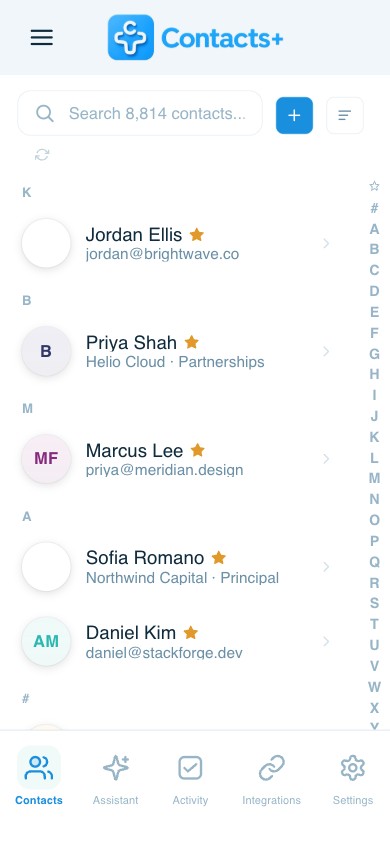
ContactsPlus vs Google Contacts: ContactsPlus builds on Google Contacts by adding cross-account sync, automatic duplicate merging, contact enrichment and business-card scanning that Google Contacts doesn't offer.
- Syncs Google, iCloud and Outlook together — not just Google
- Automatically finds and merges duplicate contacts
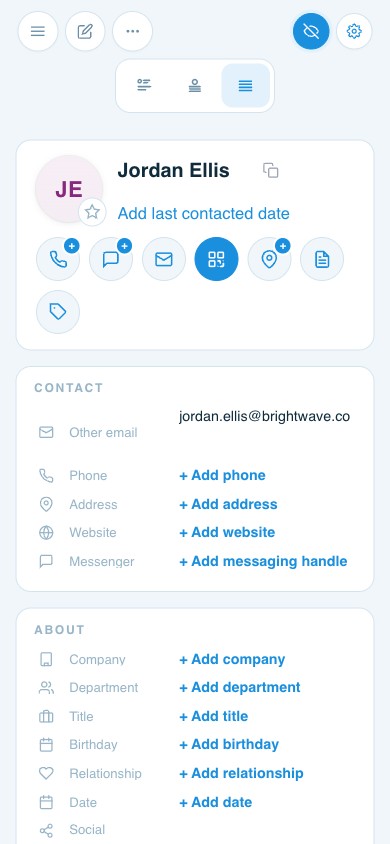
- Enriches contacts with missing details
- Scans business cards into contacts with AI
Which is right for you?
Where ContactsPlus goes further
A category-by-category look at what each one does — and where ContactsPlus adds more.
Syncing to one address book
Google Contacts: Google accounts only.
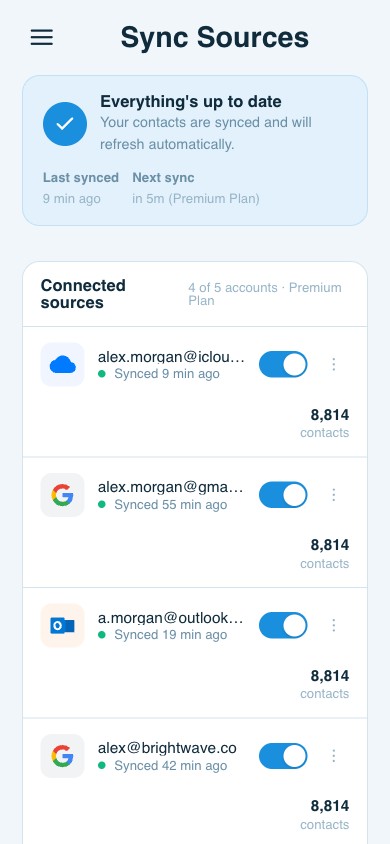
ContactsPlus: Unifies Google, iCloud, and Outlook into one synced address book.
Merging duplicate contacts
Google Contacts: Basic, mostly manual merge within Google.
ContactsPlus: Smart duplicate detection and merge across every connected account.
Segmenting contacts
Google Contacts: Labels.
ContactsPlus: Unlimited tags plus powerful filters to slice your whole network instantly.
Keeping contacts up to date
Google Contacts: No enrichment — you update details by hand.
ContactsPlus: Automatic contact enrichment fills in titles, companies, photos, and social profiles.
Contact data clean-up
Google Contacts: Manual.
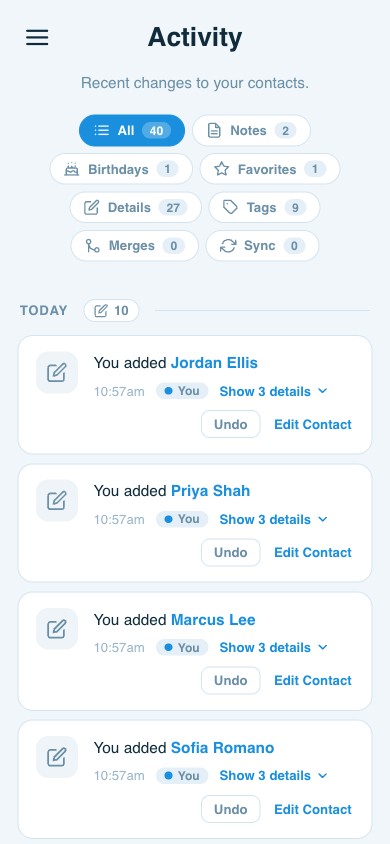
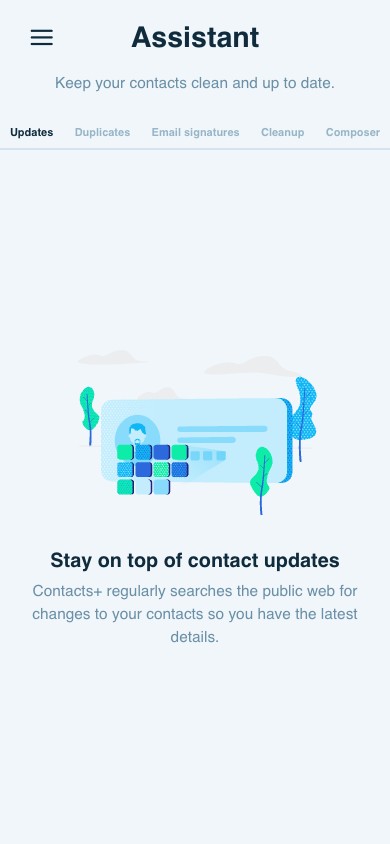
ContactsPlus: Surfaces outdated and incomplete records and helps you fix them.
Business card scanning
Google Contacts: Not available.
ContactsPlus: AI scanning turns any card or image into a saved, enriched contact.
Adding, moving & importing
Google Contacts: Within the Google ecosystem.
ContactsPlus: Import and export by CSV and vCard across all your sources.
Backups & data protection
Google Contacts: Tied to your Google account.
ContactsPlus: A unified, continuously synced copy across every account you connect.
Built to unify
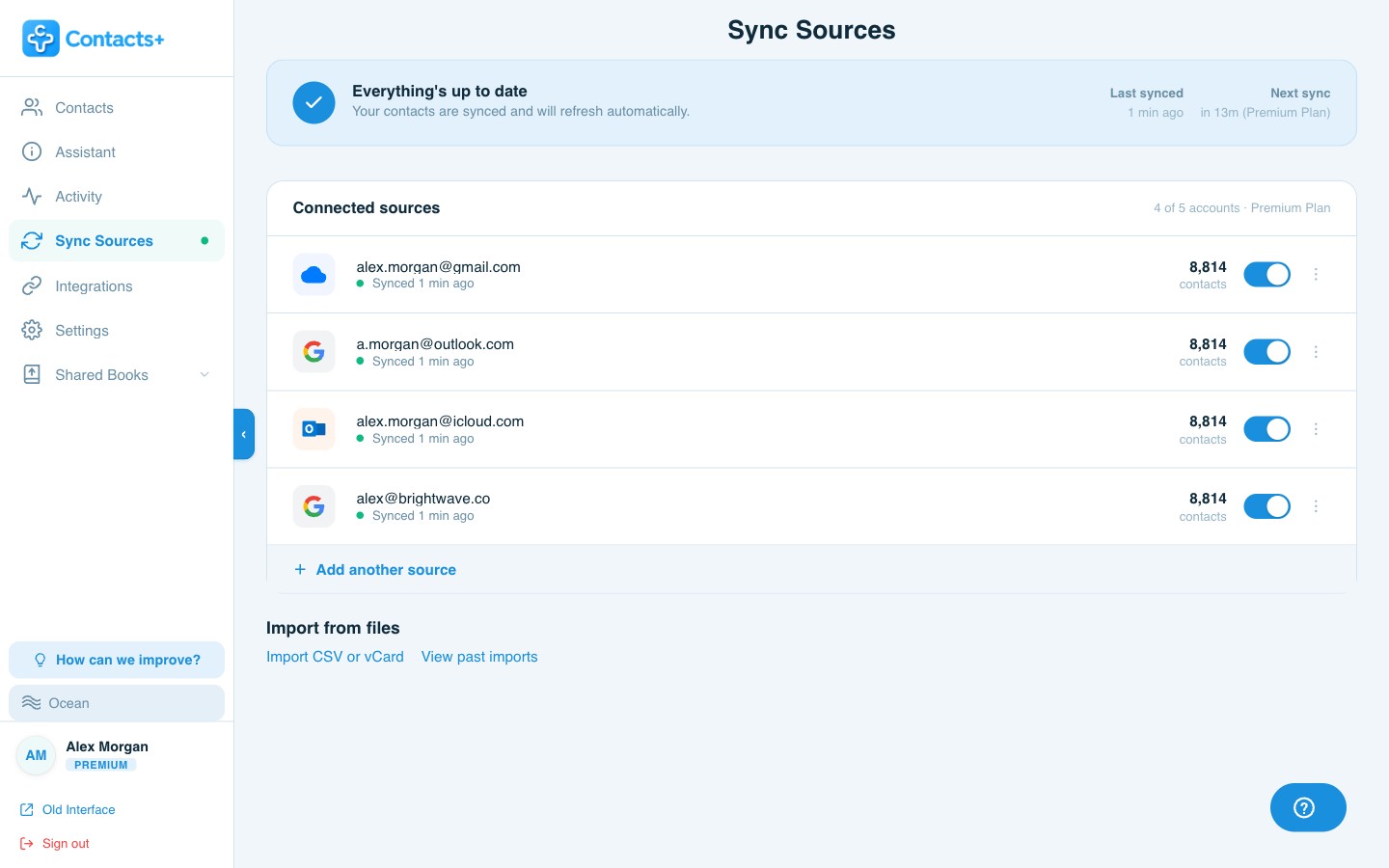
ContactsPlus sync sources include
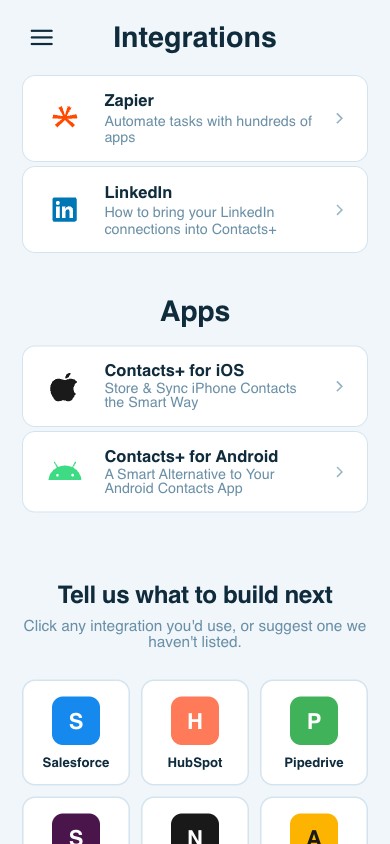
Connect the accounts your contacts already live in — and manage them all from one place.
Questions
Frequently asked questions
Can ContactsPlus sync my Google Contacts?
Yes. ContactsPlus connects directly to your Google account and keeps it in two-way sync — and it can unify Google with iCloud and Outlook in the same address book, which Google Contacts can’t do on its own.
What does ContactsPlus do that Google Contacts doesn’t?
ContactsPlus adds cross-account sync, smart duplicate detection and merge, automatic contact enrichment, outdated-data cleanup, AI business-card scanning, and unlimited tags for segmenting — capabilities Google Contacts doesn’t offer.
Do I have to leave Google Contacts to use ContactsPlus?
No. ContactsPlus works on top of Google Contacts and your other accounts. Your contacts stay in Google; ContactsPlus keeps them synced, clean, and enriched in one unified view.
Is ContactsPlus free?
Yes, there’s a free plan. Premium and Teams add enrichment, business-card scanning, real-time sync across more accounts, and team sharing. See the pricing page for details.
Get more from your Google Contacts.
Keep Google — add sync, enrichment, and scanning on top. Free to start.
Try ContactsPlus free