
Web & Desktop
Your contact manager, online
in any browser
No download. No updates. No Mac or Windows app to install. The complete ContactsPlus experience runs in any browser — Chrome, Safari, Firefox or Edge — so your entire network is one tab away on the big screen.
At a glance
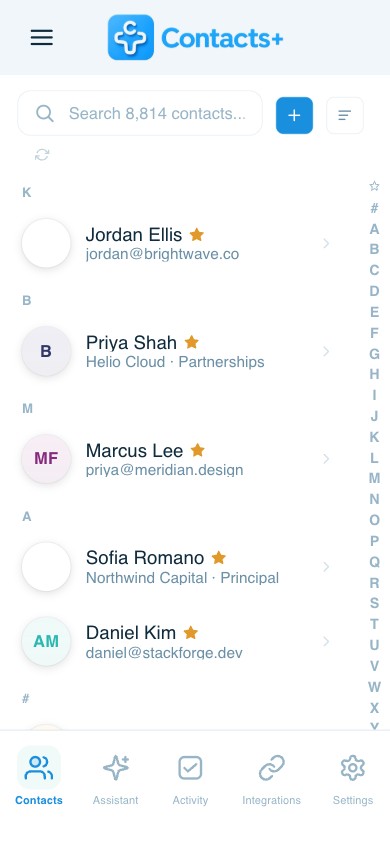
ContactsPlus is a contact manager that runs in any web browser on your desktop — no download or install required. The web app is the full desktop experience; there is no separate native Mac or Windows app.
- Works in Chrome, Safari, Edge, Firefox and more
- Full contact management: sync, dedupe, enrich, scan and back up
- Real-time sync with Google, iCloud and Outlook
- Nothing to install, and nothing to update
See it in action
The power of a desktop mini-CRM
Room to breathe on a big screen: see more, do more, and manage your whole network at a glance.
Your whole network, at a glance
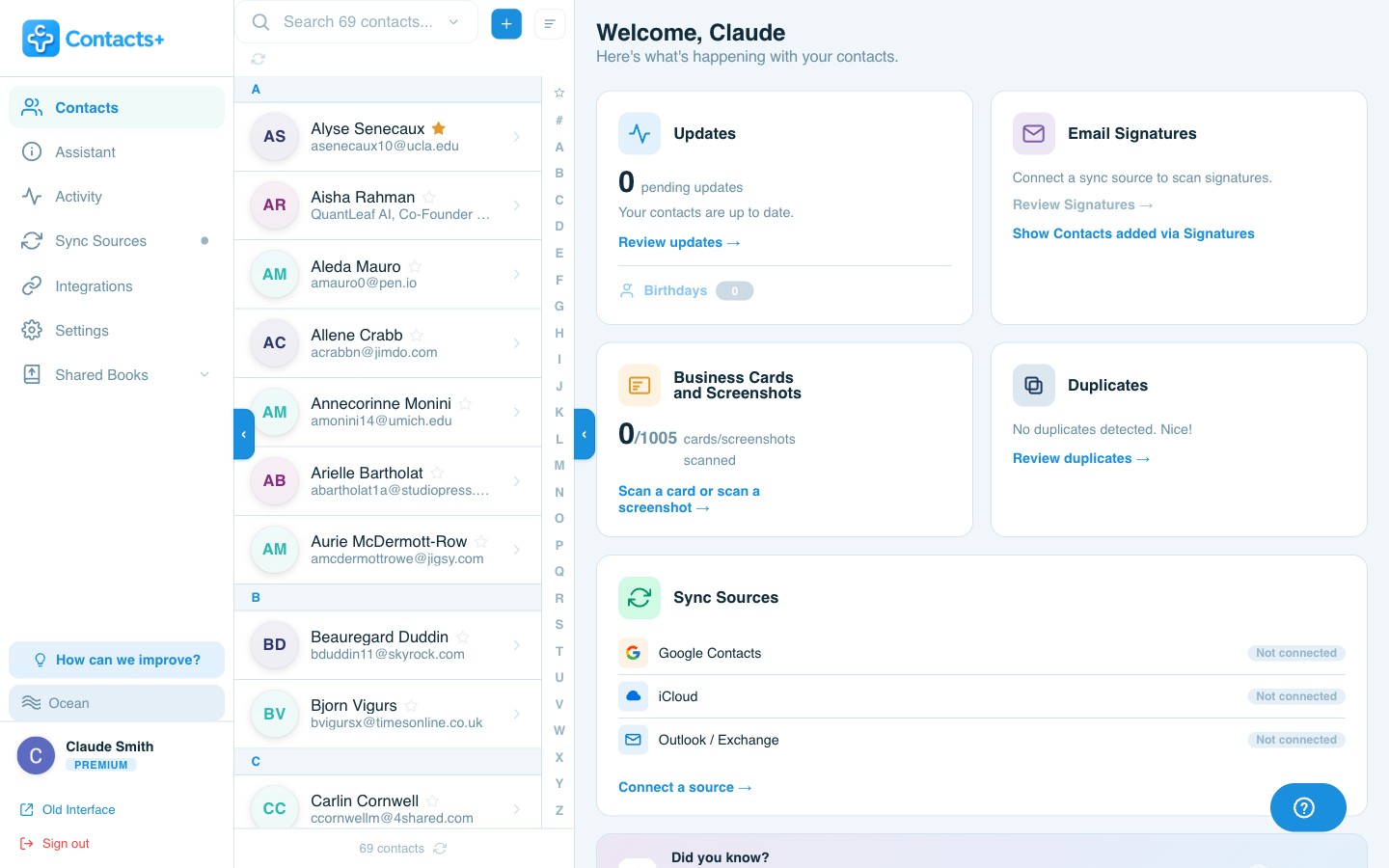
A command center for your contacts — pending updates, captured email signatures, duplicates to merge, and every connected account, the moment you sign in.
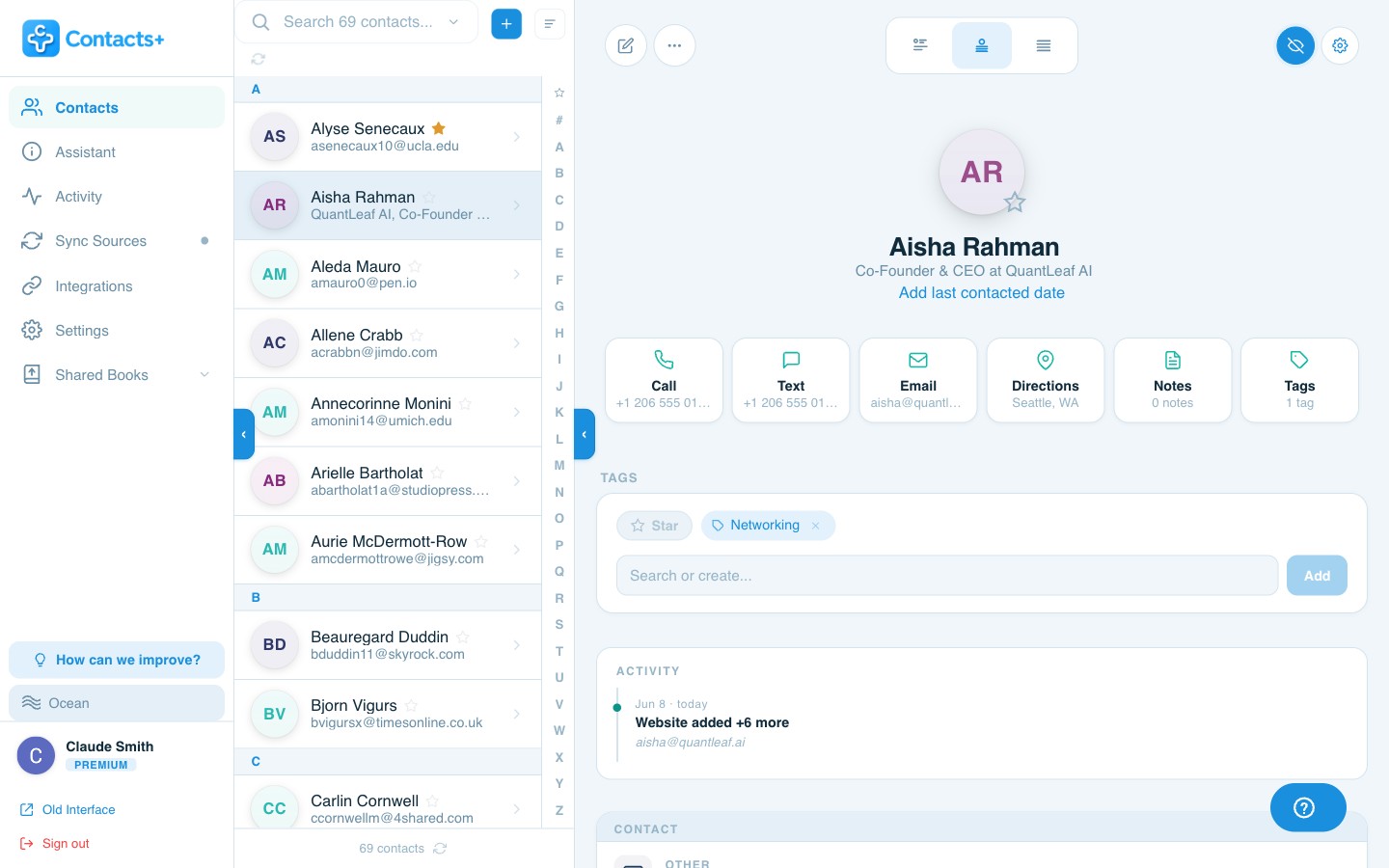
Every detail, beautifully organized
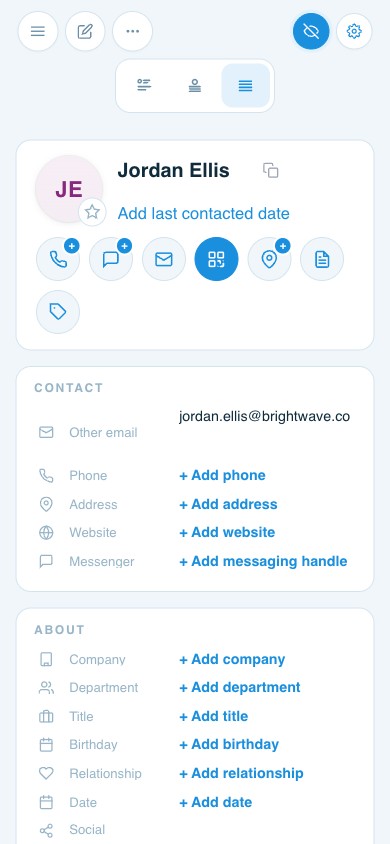
Rich, CRM-grade records — emails, phone numbers, job titles, companies, social profiles, notes and tags — all on one spacious screen that’s effortless to scan and edit.
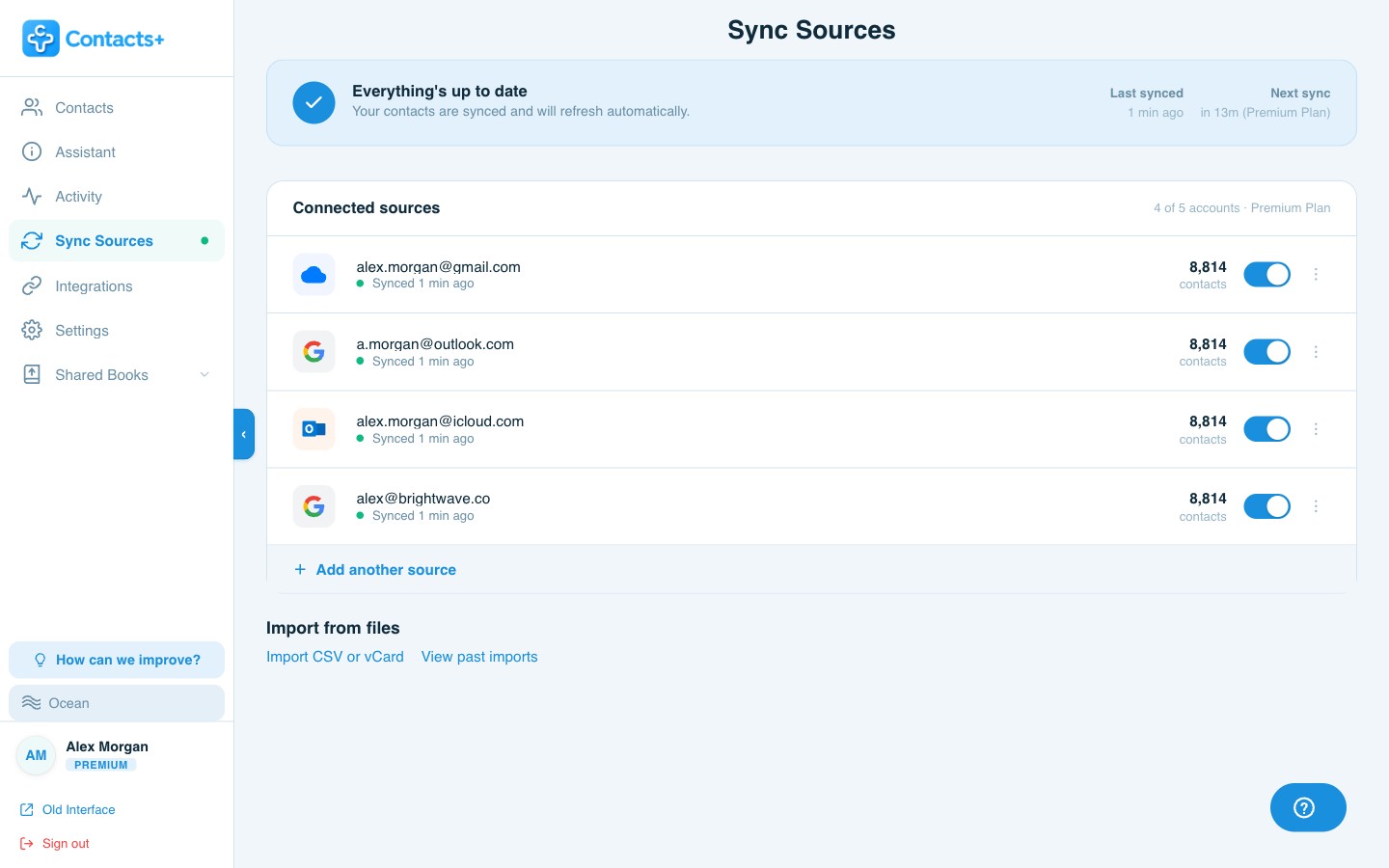
Every account, always in sync
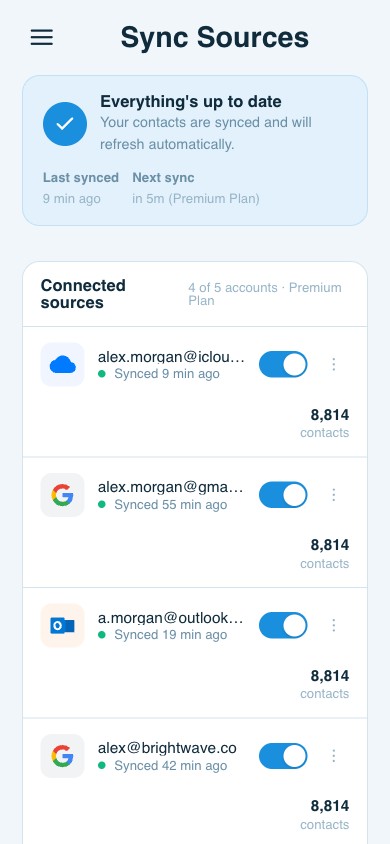
Connect Google, iCloud and Outlook, keep them unified and current, and manage it all from a single view — no switching apps, no copy-paste.
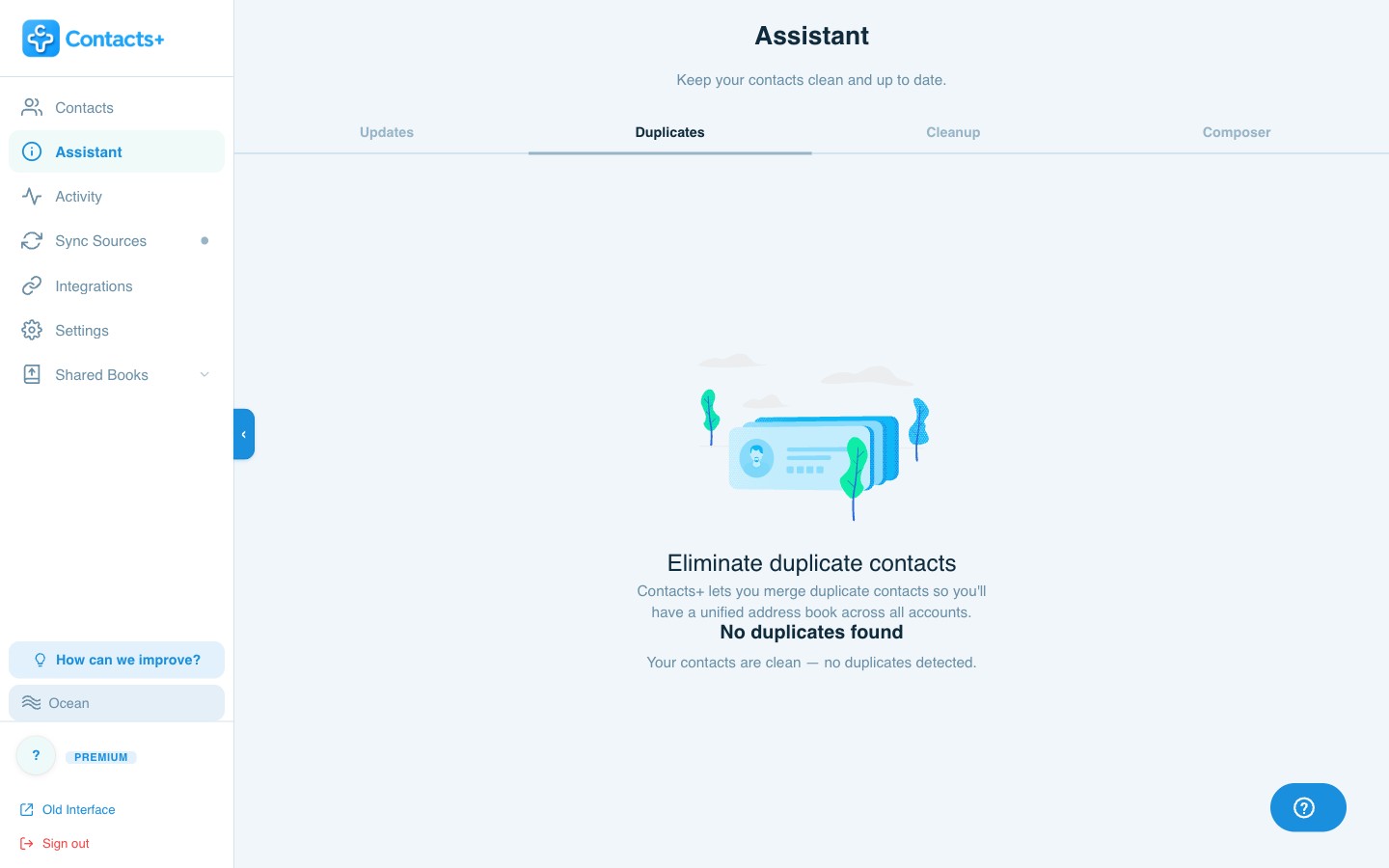
Spot and merge duplicates
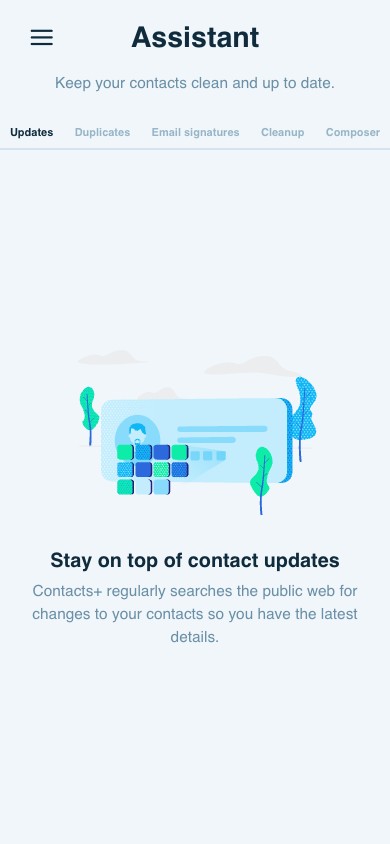
The Assistant surfaces duplicate contacts and lets you merge them into one clean record — review side-by-side with plenty of room to be sure before you commit.
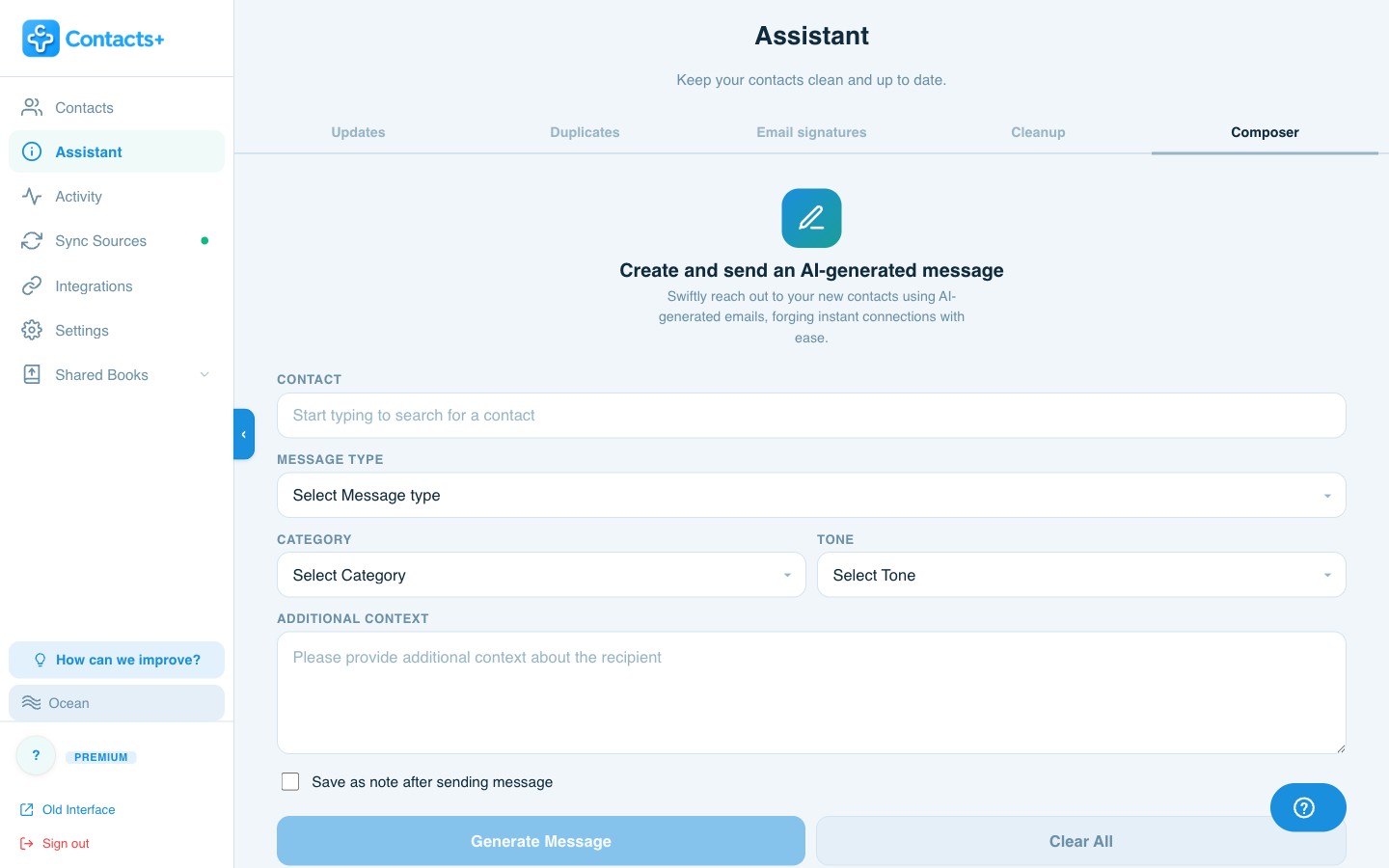
Reach out without leaving the app
Draft an AI-generated message to any contact right from your desk — pick a tone, add context, and send it through your app of choice in seconds.
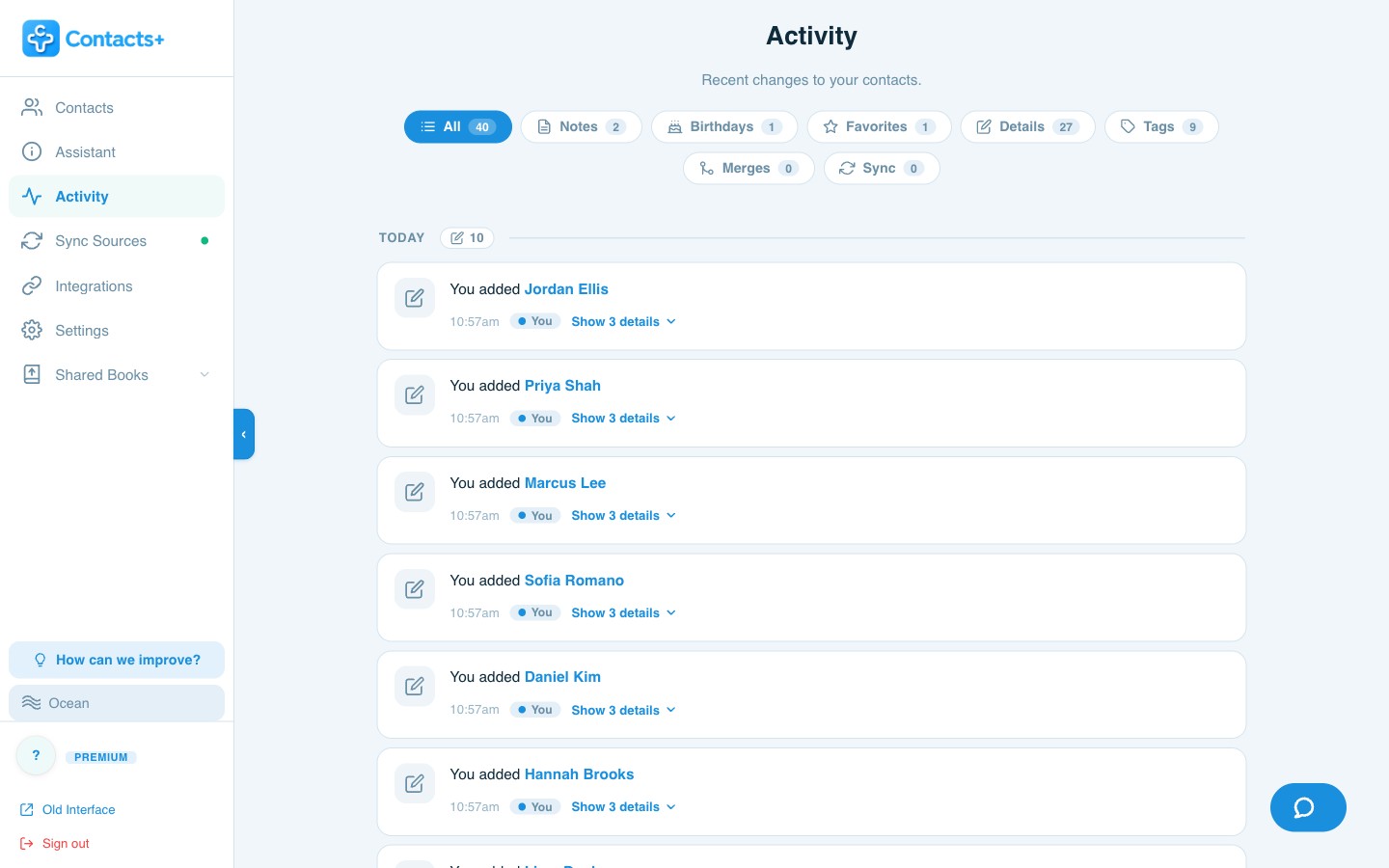
Every change, on the record
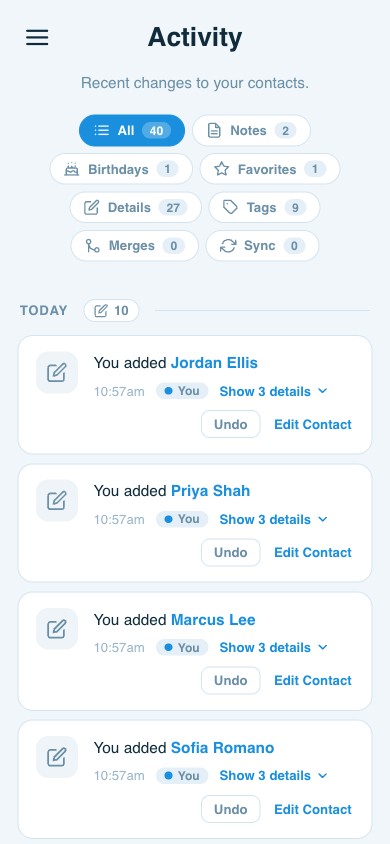
A clean, filterable activity feed shows every add, edit, merge and enrichment — with one-click undo, so you always know what changed and can roll it back.
Your contacts, your way
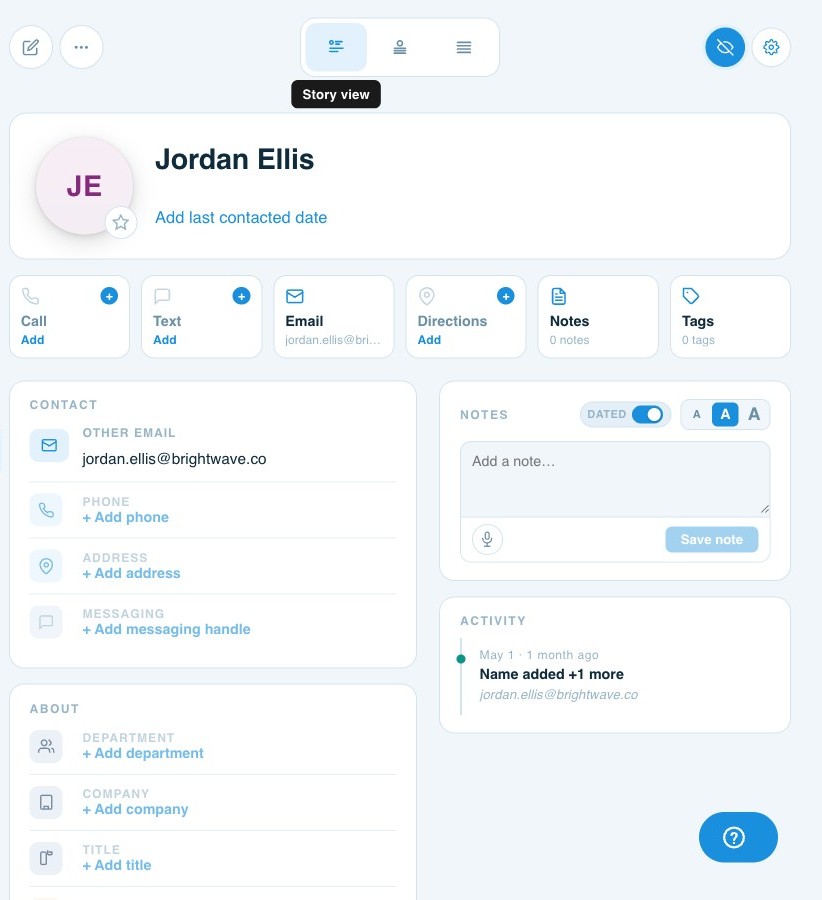
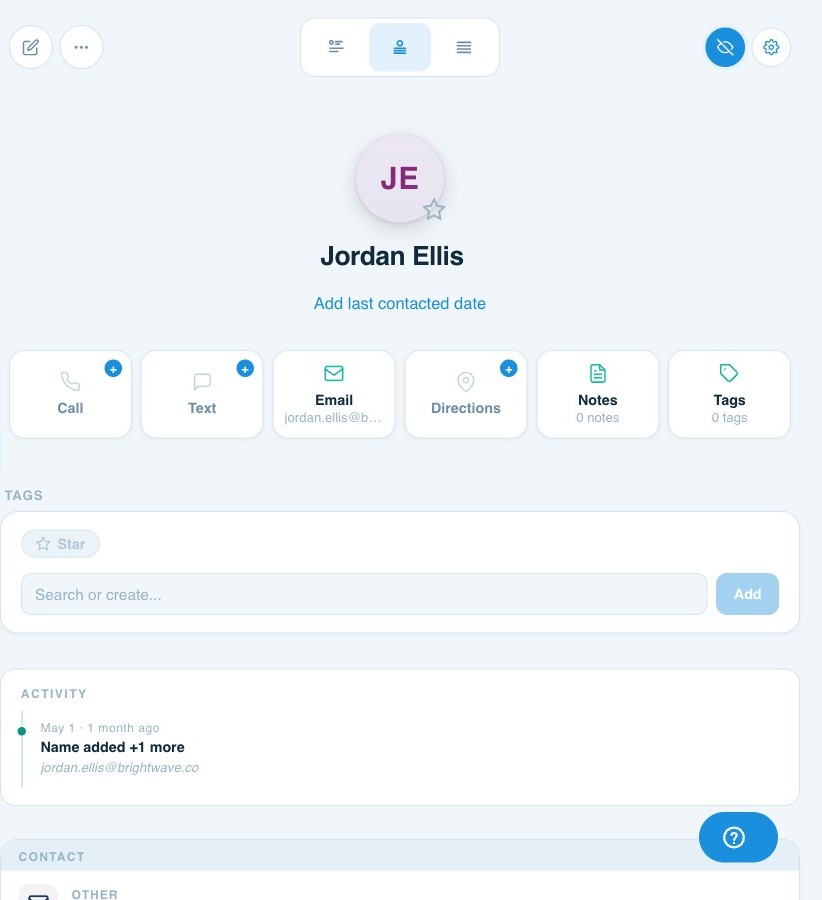
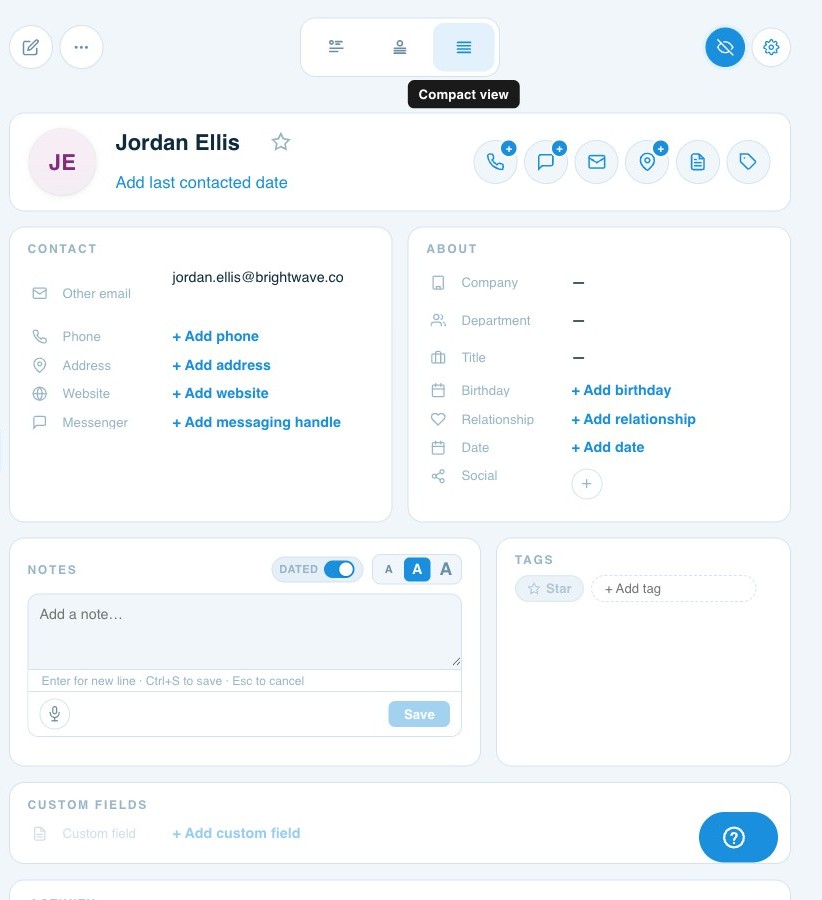
Three ways to view every contact
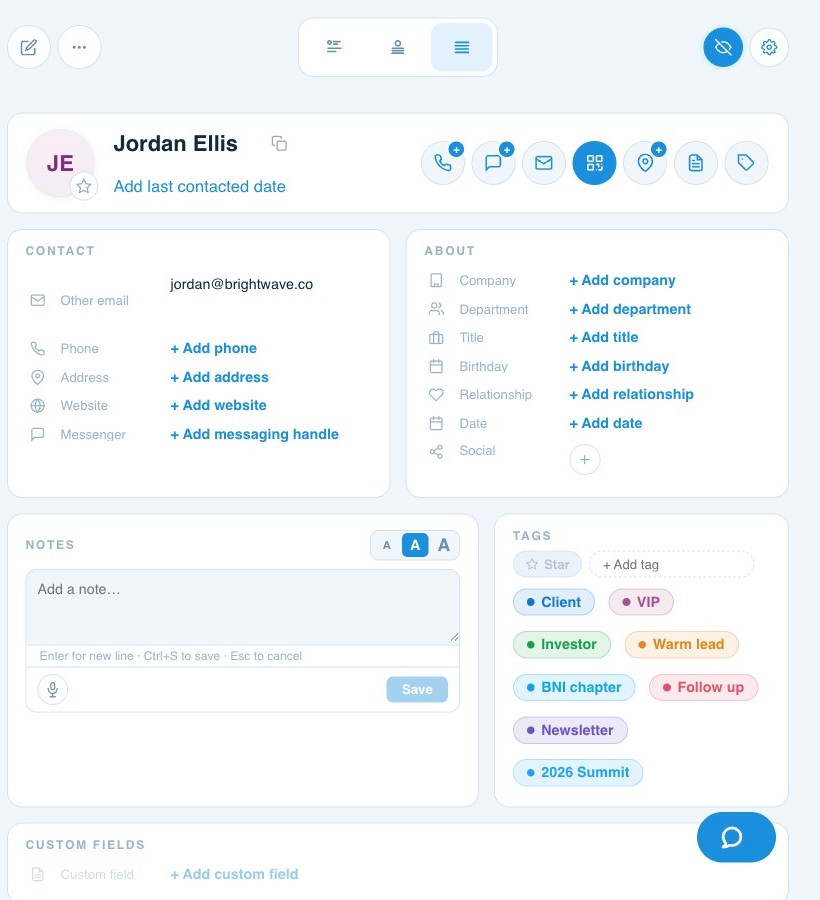
Switch a record between three layouts with one click — whether you want the full story, a classic field-by-field card, or a tight at-a-glance summary.
Organize without limits
Tag everything.
Find anyone.
Add unlimited tags to any contact — clients, VIPs, event leads, newsletter subscribers, BNI chapters, follow-ups — then filter your whole network down to exactly the people you need in a click.
Goes where you go
Works in every browser
There’s nothing to download and nothing to keep updated. Open a tab, sign in, and pick up exactly where you left off — on any computer.
Built for the big screen
More room, more done
No install, ever
Skip the downloads and updates. The full app lives in your browser and is always the latest version.
Bulk editing
Update, tag, merge or organize hundreds of contacts at once — fast, with the space to see what you’re doing.
Same data everywhere
Your desktop, phone and every connected account share one synced address book — switch devices without missing a beat.
Questions
Frequently asked questions
Do I need to download anything?
No. ContactsPlus for desktop is a web app — just open your browser, sign in, and you have the full experience. There’s nothing to install and nothing to keep updated.
Which browsers does it work in?
All major browsers — Chrome, Safari, Firefox, Edge and Brave. If it runs a modern browser, it runs ContactsPlus.
Can I edit contacts in bulk?
Yes. The web app is built for bulk work — update, tag, merge and organize many contacts at once, with the screen space to do it comfortably.
Is my data secure in the browser?
Yes. ContactsPlus uses industry-standard encryption to protect your data in transit and at rest across every browser and device.
Does the web app stay in sync with my phone?
Always. The web app shares the same synced address book as the mobile apps and every connected account, so changes appear everywhere in real time on Premium & Teams.
Open a tab. Meet your whole network.
No download required — the full ContactsPlus web app, free to start.
Sign up free