
Help
Frequently asked
questions
Everything about syncing, pricing, business-card scanning, security, and supported accounts — answered. Can’t find what you need? Our Help Center goes deeper.
Answers
Common questions
How does contact sync work?
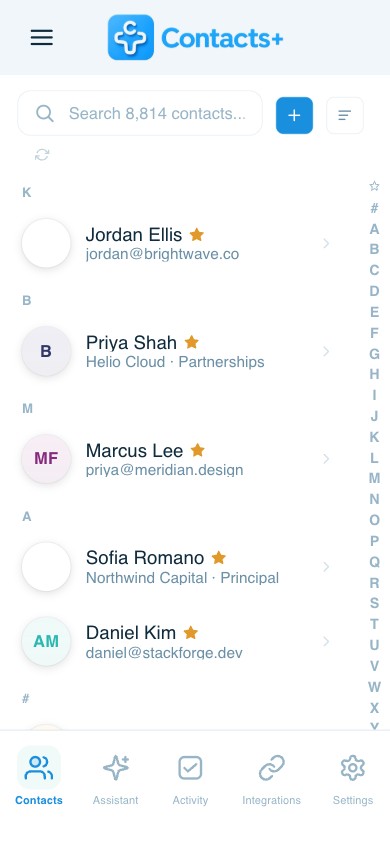
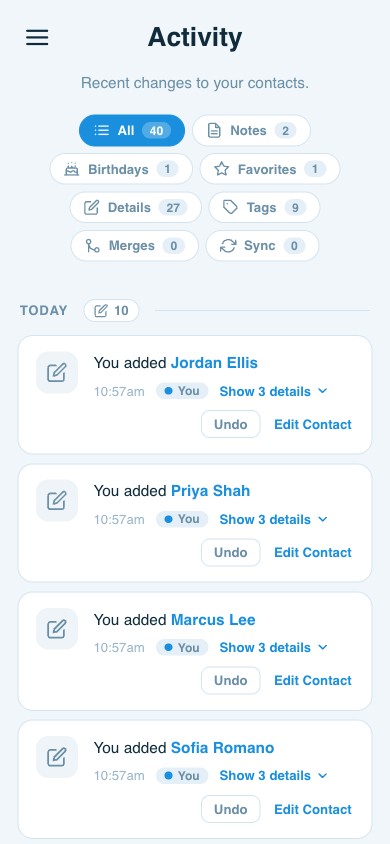
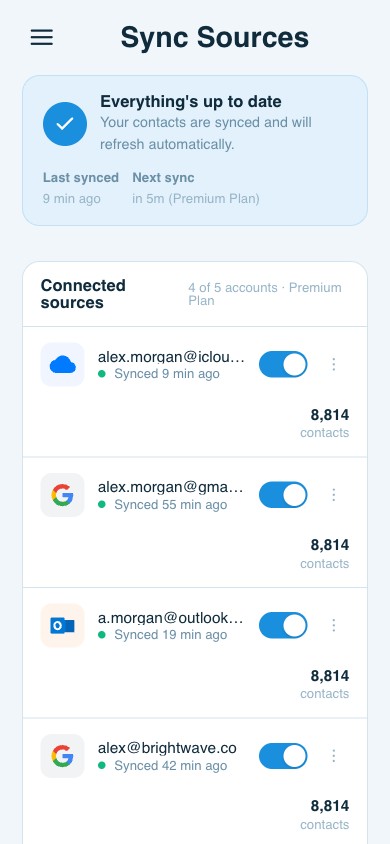
ContactsPlus connects your Google, iCloud, and Microsoft/Outlook accounts and keeps them in sync automatically — there’s nothing to install. On Free, changes are pulled from and pushed back to your accounts once per day. On Premium and Teams, Quick Sync runs in real time: edit a contact once and the change flows to every connected account within moments. You can also import contacts from a CSV, Excel, or vCard file, and they’re merged into the same unified, de-duplicated address book. Because sync is two-way, your accounts and ContactsPlus always reflect the same up-to-date information.
What is contact enrichment?
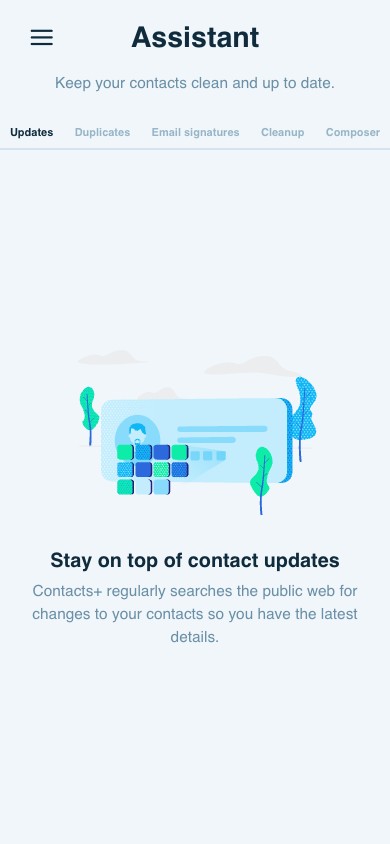
Enrichment keeps your contacts complete and current without manual data entry. ContactsPlus compares your contacts against publicly available web sources — company pages, social profiles, and more — and suggests missing details like photos, job titles, companies, locations, and social handles. Suggested updates appear in your Assistant, where you can accept them with a tap or let high-confidence updates apply automatically. It also flags outdated emails and disconnected numbers so you can clean them up. Your own manual edits are always respected and never overwritten. Free accounts refresh monthly; Premium and Teams refresh daily.
How does business card transcription work?
You’re not limited to business cards — a screenshot, a scanned image, or a photo: if it shows contact information, ContactsPlus can read it and turn it into a real, saved contact. Capture it whatever way is easiest:
- Snap a photo with the iOS or Android app — a business card, a conference badge, even a handwritten note.
- Upload, scan, or drag-and-drop any image in the web app — including a scanned document or saved photo.
- Screenshot anything with contact details — a LinkedIn or social profile, an email signature, a company “team” or “about” page, an online directory, a slide, or a forwarded email.
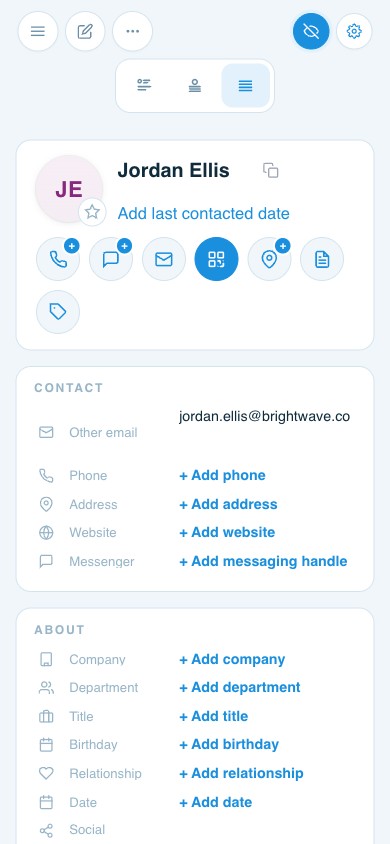
Our AI reads the image and extracts every field — name, title, company, multiple emails and phone numbers, mailing address, website, and social handles — into a structured, editable contact, not just a saved picture. It takes seconds. The new contact is then automatically checked against your existing records so you don’t create a duplicate, enriched with any publicly available details we can add, and synced to every connected account (Google, iCloud, Outlook) so it’s on all your devices.
So whether you’re clearing a stack of cards after an event or just saw someone worth remembering on LinkedIn, you capture them once and they’re saved, complete, and everywhere — without typing a thing.
Which accounts can I sync?
ContactsPlus syncs two-way with Google / Gmail (including Google Workspace), iCloud, and Microsoft 365 / Outlook / Exchange. You can connect 1 account on Free, up to 5 on Premium, and up to 10 on Teams. Beyond live accounts, you can also bring in contacts by importing a CSV, Excel, or vCard file — useful for moving off an old CRM or loading a list from an event — and everything merges into one clean address book.
Can I switch plans?
Yes — you can move between Free, Premium, and Teams at any time, and switch between monthly and annual billing. Upgrades take effect immediately so you get the new features right away; if you’re switching mid-cycle, the cost is prorated. Downgrades take effect at your next renewal, so you keep what you’ve paid for until then. Your contacts and settings carry over no matter which plan you’re on.
What payment methods do you accept?
You can pay with any major credit or debit card. If you subscribe through our iOS or Android app, billing is handled by your Apple App Store or Google Play account instead. We don’t currently support PayPal, cryptocurrency, or other alternative payment methods. All card payments are processed securely by Stripe — we never store your full card details on our servers.
What happens if I go over my contact limit?
Each plan has a contact limit: 1,000 on Free, 25,000 on Premium, and unlimited on Teams. If you reach your limit, ContactsPlus pauses syncing to and from your connected accounts so nothing is lost or partially written — your existing contacts stay fully accessible. To resume syncing, either remove some contacts to get back under the limit or upgrade to a higher plan. Nothing is ever deleted automatically. See pricing for the full breakdown.
Do I get a discount for paying annually?
Yes — annual billing saves up to 29%. Premium is $9.99/month billed annually ($119.88/year) versus $13.99 month-to-month. Teams is $12.99/user/month billed annually versus $17.99 month-to-month. With an annual plan you’re billed once for the year; you can switch between monthly and annual whenever you like.
Can I cancel anytime?
Yes. You can cancel from your account settings at any time — there’s no long-term contract. Your plan stays active until the end of the current billing period, and you won’t be charged again after that. Your contacts always belong to you: you can export them at any point, and you’re welcome to resubscribe later right where you left off.
What happens when I switch from Premium to Teams?
You keep everything in Premium — 5-account sync, real-time Quick Sync, enrichment, and business-card scanning — and your Premium subscription simply rolls into Teams, so you’re billed only for your Teams seats, never for both. Teams adds a shared address book your whole group works from (up to 50 users), roles and permissions, and shared notes and tags. When someone leaves, their contacts stay with the team instead of walking out the door.
Is my data secure?
Security is built in. Your data is encrypted in transit (TLS) and at rest (AES-256), hosted on Amazon Web Services, and protected by role-based access controls and multi-factor authentication. ContactsPlus is built to align with GDPR and CCPA, and you can export your contacts at any time. See our Security page for the full details.
Do you sell or share my contact data?
No — we don’t sell your personal information, and your contacts belong to you. To provide contact enrichment, we do share limited details (such as a contact’s email address) with a trusted third-party enrichment provider, which returns additional publicly available information — like a job title, company, or photo — to help complete your records. That provider processes the data on our behalf as a subprocessor under a data-processing agreement. You can review the providers we work with on our Subprocessors page, and exactly how we collect, use, and protect your data in our Privacy Policy.
What’s the difference between the web app and the mobile apps?
They’re the same account and the same synced address book, everywhere. ContactsPlus comes in three forms: the web app, which runs in any browser — on your computer or your phone — with every feature and nothing to install; and the native iOS and Android apps, which add on-the-go access and camera business-card scanning. Whichever you use, your contacts are always in sync across all of them.
How does ContactsPlus handle duplicate contacts?
Pull contacts from several accounts and a spreadsheet or two and the same person inevitably shows up more than once. ContactsPlus uses smart matching to detect both exact and near-duplicates — the same person with a different email, a nickname, or a typo — and merges them into one complete record with nothing lost. You can review each suggested merge side-by-side, or turn on auto-merge for high-confidence matches, and new duplicates are caught automatically as you sync going forward.
Can I import contacts from a spreadsheet or another app?
Yes. Upload a CSV, Excel, or vCard file and every row becomes a real, editable contact in your address book — automatically de-duplicated against what you already have and synced to your connected accounts. It’s the easiest way to move off an old CRM, load the list from a conference, or pull in a one-off spreadsheet of contacts.
Is there a free plan?
Yes — ContactsPlus Free is free forever, no credit card required. It includes one connected account, up to 1,000 contacts, core syncing across your devices, duplicate detection, and monthly contact enrichment. You can upgrade to Premium or Teams whenever you need more accounts, real-time sync, daily enrichment, or team sharing.
What integrations does ContactsPlus support?
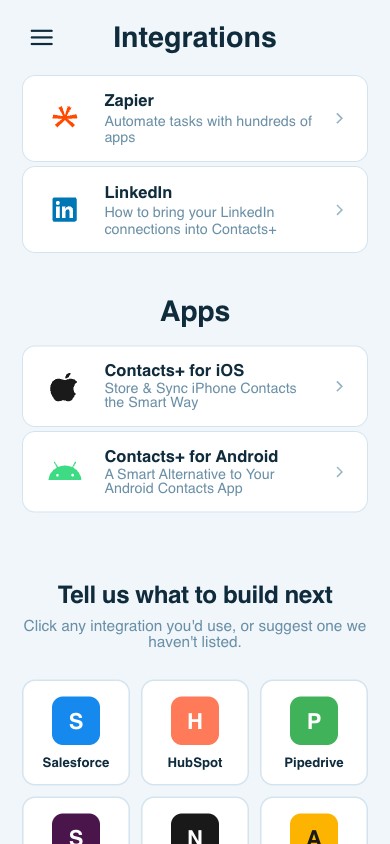
Beyond two-way sync with Google, iCloud, and Outlook, ContactsPlus connects to Zapier (automate workflows across thousands of apps with no code), imports your LinkedIn connections, and offers a developer API with webhooks so you can build contact management into your own products. See the Integrations page for the full list.
Still need answers?
Our Help Center has step-by-step guides — or just start using ContactsPlus free.
Start free