
Developers
Build on
ContactsPlus
Read, sync, and enrich contact data right inside your own apps. The ContactsPlus Contacts API gives you clean REST endpoints, OAuth, and webhooks — so the always-current address book your users rely on can power your product too.
Free to start — create an account and register your app.
At a glance
The ContactsPlus Contacts API lets developers read, sync and enrich contact data inside their own apps, with clean REST endpoints, OAuth authentication and webhooks.
- REST API for contacts, tags, teams and notes
- OAuth 2.0 authentication and webhooks for real-time events
- Business-card transcription and caller-ID APIs available
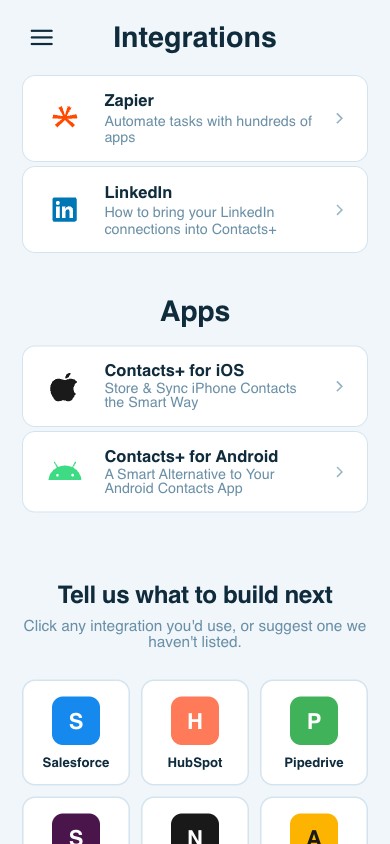
- Automate without code via the Zapier integration
What you can build
The Contacts API, end to end
Manage contacts
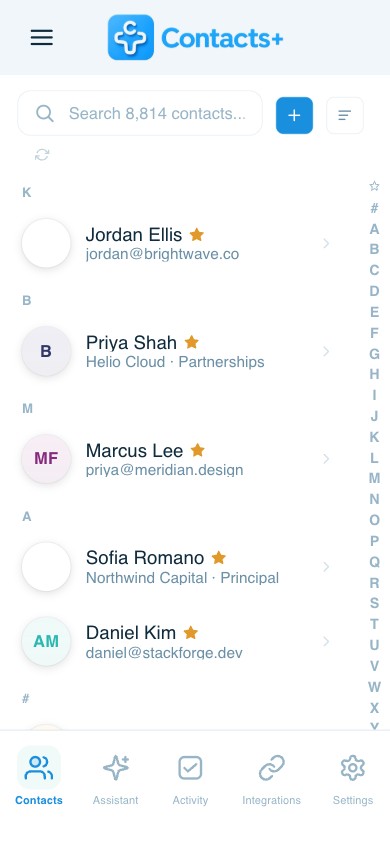
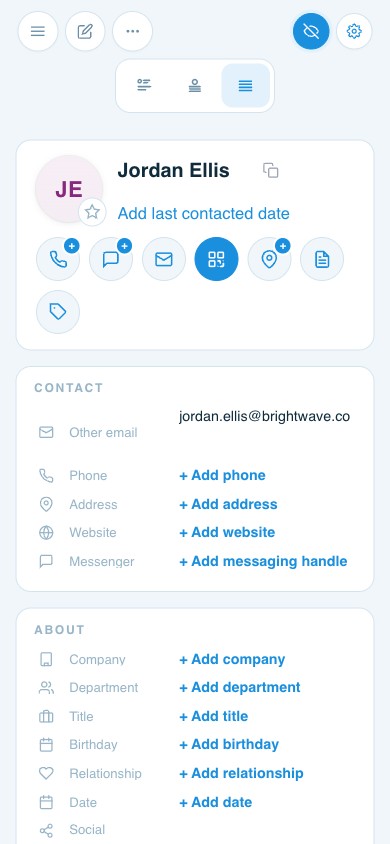
Get, search, scroll, create, update, and delete contacts — and upload contact photos — all through clean REST endpoints.
Organize with tags
Create, edit, and delete tags and apply them programmatically, so your app can segment contacts the same way the product does.
Subscribe to webhooks
Get real-time notifications when contacts change — create webhooks, read batches, and stay in sync without polling.
Authenticate with OAuth
Register your app and use OAuth 2.0 — authorization codes, access tokens, refresh tokens, and scoped permissions.
Work with teams
Read team data and change a contact’s owner, so shared address books stay consistent across your integration.
No-code via Zapier
Prefer not to write code? Connect ContactsPlus through our integrations and automate contacts without touching the API.
Reference
Full Contacts API documentation
Endpoints, objects, scopes, and example requests and responses — everything you need to integrate.
Questions
Frequently asked questions
What can I build with the ContactsPlus API?
The Contacts API lets you read, create, update, and delete contacts and tags, manage teams, and subscribe to webhooks — so you can sync and enrich contact data inside your own apps and workflows.
How does authentication work?
The API uses OAuth 2.0. You register your app, send users through an authorization flow, exchange the code for an access token, and refresh it as needed. Scopes control what your app can access.
Does the API support webhooks?
Yes. You can create webhooks to receive real-time notifications when contacts change, so your integration stays in sync without polling.
How do I get started?
Create a free ContactsPlus account, register your app, and read the Contacts API reference for endpoints, objects, and example requests and responses.
Start building today.
Create a free account, register your app, and integrate the Contacts API.
Get started free