
Pricing
ContactsPlus pricing for every
power-networker
Sync the latest info on every contact in your own personal CRM.
Start free — upgrade when you’re ready.
At a glance
ContactsPlus offers three plans: Free ($0), Premium (from $9.99/user per month billed annually, or $13.99 monthly) and Teams (from $12.99/user per month billed annually, or $17.99 monthly).
- Free: sync one account with basic contact management
- Premium: 5-account real-time sync, enrichment, dedupe and card scanning
- Teams: one shared address book with real-time collaboration
- Every paid plan can be tried free; annual billing saves about 28–29%
Choose your plan
Free
Try it. Sync your contacts across devices and work from a central address book.
Free forever · no credit card
Sign Up Free- Sync 1 account (Apple, Google, Microsoft)
- 1,000 contacts
- Daily sync
- Web, iOS & Android apps
Premium
Powerful contact syncing and enrichment for networkers.
$119.88 billed yearly · save 29%
Buy Now- Everything in Free, plus
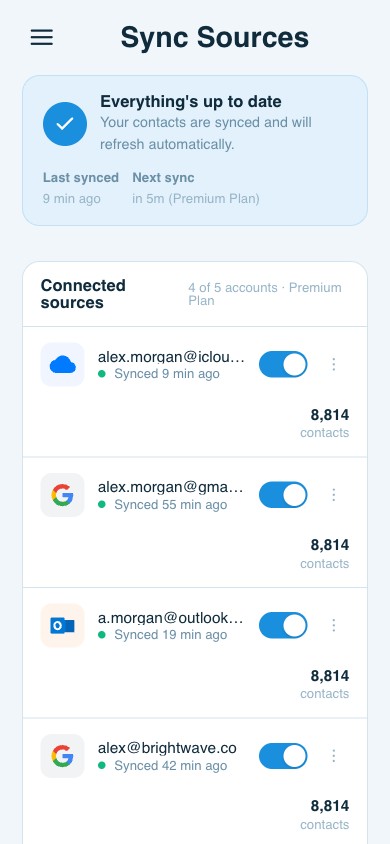
- Sync 5 accounts
- 25,000 contacts
- Quick (real-time) sync
- Contact enrichment
- Email signature extraction
Teams
A dynamic shared address book that turns your whole org into one connected network.
$155.88/user billed yearly · save 28%
Start with Teams- Everything in Premium, plus
- Sync 10 accounts
- Unlimited contacts
- Shared address book
- Roles & shared notes
- Up to 50 team members
Compare
Compare plan features
| Features | Free | Premium | Teams |
|---|---|---|---|
| Sync with your favorite platforms | |||
| Apple iCloud, Google & Microsoft | ✓ | ✓ | ✓ |
| Accounts synced | 1 | 5 | 10 |
| Contacts | 1,000 | 25,000 | Unlimited |
| Sync speed | Daily | Quick (real-time) | Quick (real-time) |
| Manage contacts, wherever you work | |||
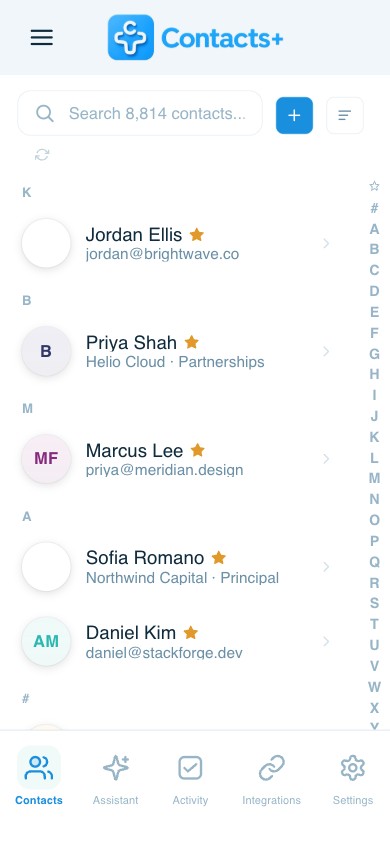
| Web appMobile-first — works on all mobile devices and any screen size | ✓ | ✓ | ✓ |
| iOS app | ✓ | ✓ | ✓ |
| Android app | ✓ | ✓ | ✓ |
| Build a complete contact record — your mini-CRM | |||
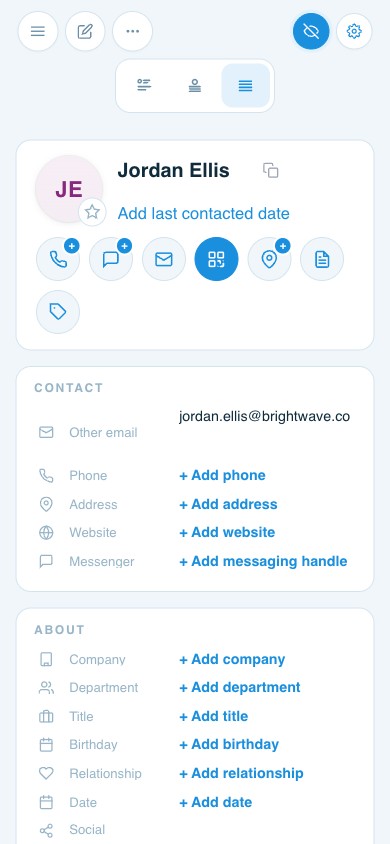
| Emails, phone numbers & addressesAdd as many as you need per contact | ✓ | ✓ | ✓ |
| Job title, company & department | ✓ | ✓ | ✓ |
| Website URLs & social profiles | ✓ | ✓ | ✓ |
| Messaging handles (IM) | ✓ | ✓ | ✓ |
| Birthdays & important dates | ✓ | ✓ | ✓ |
| RelationshipsLink family, colleagues & referrals | ✓ | ✓ | ✓ |
| Profile photos | ✓ | ✓ | ✓ |
| Custom fields | ✓ | ✓ | ✓ |
| Organize contacts & relationships | |||
| Tags & built-in tags | ✓ | ✓ | ✓ |
| Business card scanning | — | 100 cards/mo | 100 cards/user/mo |
| Import & export (CSV / vCard) | ✓ | ✓ | ✓ |
| Notes & dated notes | ✓ | ✓ | ✓ |
| Find missing contact data | |||
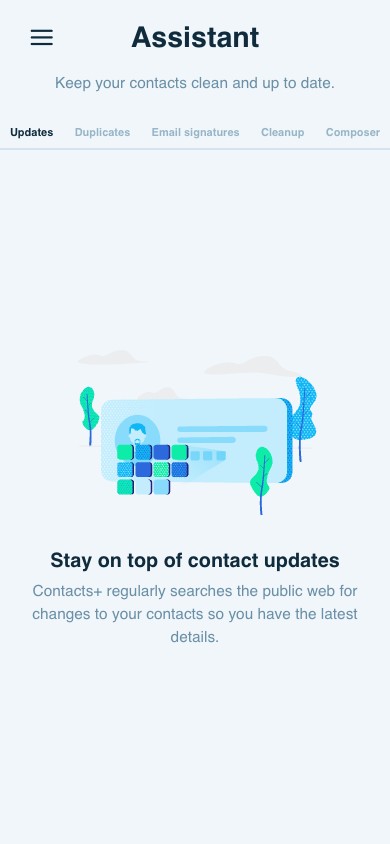
| Contact enrichmentMatch publicly available data to complete profiles | — | ✓ | ✓ |
| Profile photo matching | — | ✓ | ✓ |
| Duplicate detection & merge | — | ✓ | ✓ |
| Outdated data cleanup | — | ✓ | ✓ |
| Email signature extraction (Gmail) | — | ✓ | ✓ |
| Accelerate your network | |||
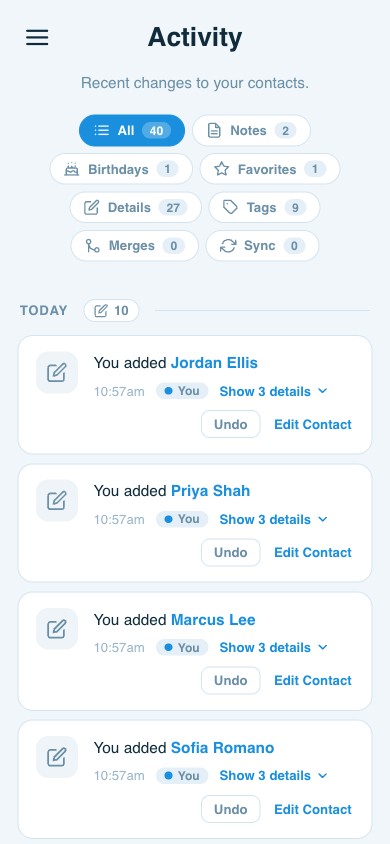
| Activity feed | 30 days | 6 months | 6 months |
| Birthday notifications | ✓ | ✓ | ✓ |
| Share contacts with a team | |||
| Shared address book | — | — | ✓ |
| User roles (Owner, Admin, Member) | — | — | ✓ |
| Shared notes & contact owner | — | — | ✓ |
Loved by networkers
What customers are saying
“Absolutely the best contact app. I’m now in charge of my contacts — no more double entries. Second to none.”
“Want to solve your phonebook mess across multiple accounts and devices? Look no further.”
“The most comprehensive and effective app for managing your contacts!”
Questions
Frequently asked questions
Can I cancel anytime?
Yes. You can cancel anytime from your account settings and keep access through the end of your current billing period.
Do I get a discount for paying annually?
Yes — annual billing saves about 29% on Premium and 28% on Teams. For example, Premium is $9.99/month ($119.88/year) billed annually versus $13.99/month ($167.88/year).
Can I switch plans?
Yes, you can switch between any of our paid plans, including from monthly to annual billing, at any time.
What happens when I switch from Premium to Teams?
Teams includes everything in Premium — your 5-account sync, contact enrichment, business-card scanning and real-time Quick Sync — and adds a shared address book your whole group works from (up to 50 users). When you move up from Premium, your Premium subscription rolls into Teams, so you’re billed only for your Teams seats — never for both. For example: a real-estate team keeps every client and lead in one shared, always-current list, so when one agent updates a contact everyone sees it instantly; a sales team avoids two reps unknowingly working the same prospect; and when someone leaves, their contacts stay with the team instead of walking out the door.
What are the contact limits per plan?
Free: 1,000 contacts · Premium: 25,000 contacts · Teams: unlimited contacts.
How does contact sync work?
On the Free plan, ContactsPlus pulls changes once per day from accounts like Google, iCloud, and Outlook/Office 365, and pushes changes back once per day. Premium and Teams sync in real time with Quick Sync.
How does business card transcription work?
Snap or upload a photo of a business card and ContactsPlus uses AI to transcribe it in seconds, adding accurate contact details to your address book — then syncing them to your connected accounts. And it isn’t limited to business cards: drop in any image that shows contact information — a screenshot of an email signature, a LinkedIn profile, a conference badge, even a handwritten note — and ContactsPlus reads it and builds a complete contact.
How does Teams sharing work?
The Teams plan enables real-time contact sharing for up to 50 users through a shared address book for seamless collaboration.
What is Quick Sync?
Quick Sync provides real-time contact updates across your connected accounts, available on Premium and Teams plans.
Start free. Upgrade when you’re ready.
Join hundreds of thousands of users who trust ContactsPlus with their network.
Sign up free